
Most Aqilla clients send e-mails (with attachments) from Aqilla to their customers and suppliers; typical examples are:
-
Sales Invoices
-
Sales Credit Notes
-
Self-Billing Invoices
-
Debtor Statements
-
Purchase Orders
-
Creditor Remittances
Recipient e-mail addresses are defined against customer, debtor, supplier and creditor reference records. "Sent from / Reply to" e-mail addresss are defined at Configuration > Companies.
Bounceback Emails
From time-to-time you may receive a "bounceback" e-mail message. There are various easily understood reasons for this such as:
-
incorrect recipient e-mail address has been used
-
recipient mailserver is down
-
recipient is on vacation and has set auto reply - usually means the original e-mail made it though
Less easy to understand if you get a message like this:
E.g. Subject: Delivery Status Notification (Failure)
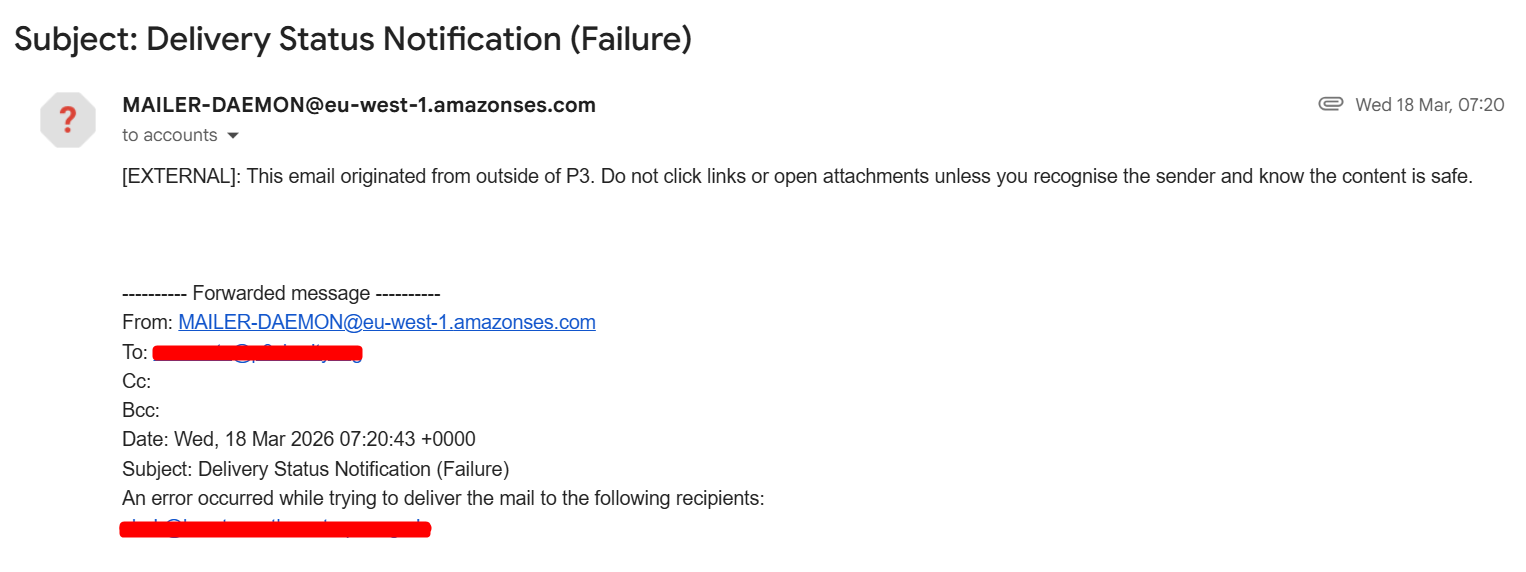
The natural thing to think is that Aqilla is having a problem sending e-mails but this is almost never the case. If you ask Aqilla Support to help you solve this sort of problem we will send you to this Help page in the first instance and refer you to;
https://en.wikipedia.org/wiki/Reverse_DNS_lookup
Note this is a bit "techie"!
A simpler explanation is that Aqilla is sending e-mails on your behalf and is therefore sending e-mails from our server using multiple domains - e.g. accounts@bigco.com; finance@yourco.co.uk - and the recipient mailserver thinks that something is wrong because the IP address the e-mail is coming from (i.e. Aqilla's server) does not match the domain name the recipient mailserver expects (e.g. yourco.co.uk) - from its reverse DNS lookup etc. There is nothing Aqilla can do about that.
However all you need to do is contact whoever manages your domain (e.g. yourco.co.uk - probably your internet service provider) and ask them to add an SPF record to that domain to specify that "it's OK" that Aqilla's server is sending an e-mail on behalf of that domain. Their techies will need to know the IP addresses that Aqilla might use (to add to their "whitelist"). Contact Aqilla Support for the IP addresses.
Solution - Registering Domain
If you have bounceback issues with the standard Reply Email setup, it's best to register your domain with our AWS servers. This advanced setup prevents emails from being rejected by strict security protocols like SPF, DKIM, and DMARC.
We provide a step-by-step guide to set this up here:
How to setup email Domain with Aqilla