
April 2026 Update:
The Add-In now includes a loading log accessible to users. This log helps identify and troubleshoot issues like long load times with large data volumes.
You can find the log at your installation location:
C:\Users\<CurrentUser>\AppData\Local\Aqilla\addin.log
The Aqilla MS Excel® Add-in is - as its name suggests - an add-in to MS Excel.
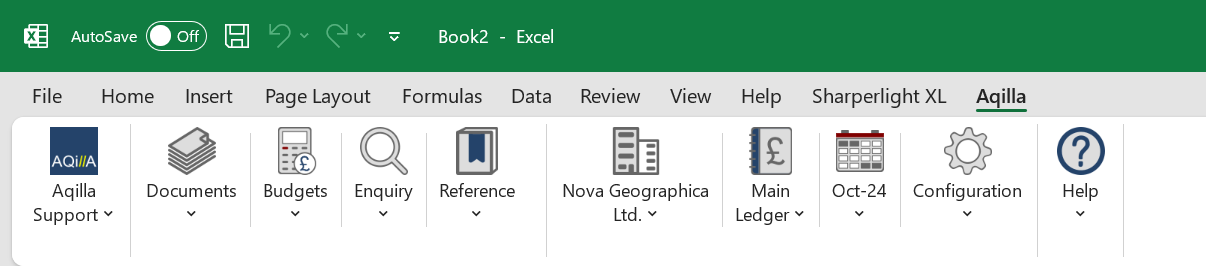
To install the Aqilla MS Excel Add-in, firstly download the 32 bit or 64 bit installer based on the version of MS Excel you use - if you don't know here's how to find out.
Some browsers do not allow a direct download of the files below. If this happens, please right-click on the link and select open in a new tab.
Alternatively. You can use the Hotkey for opening in a new tab. Hold down the CTRL key and Left-click the link
You are likely to get a warning from Microsoft, this is due to a change in Windows security. If you see Windows is protecting your PC.
Click on "More info", and then "Run Anyway" to install the Add-in.
Then follow these installation instructions.